



Intelligence. Orchestration.
Integration.
Built Into Your Quality and Commissioning Stack


Intelligence Becomes Insights.
Intelligence
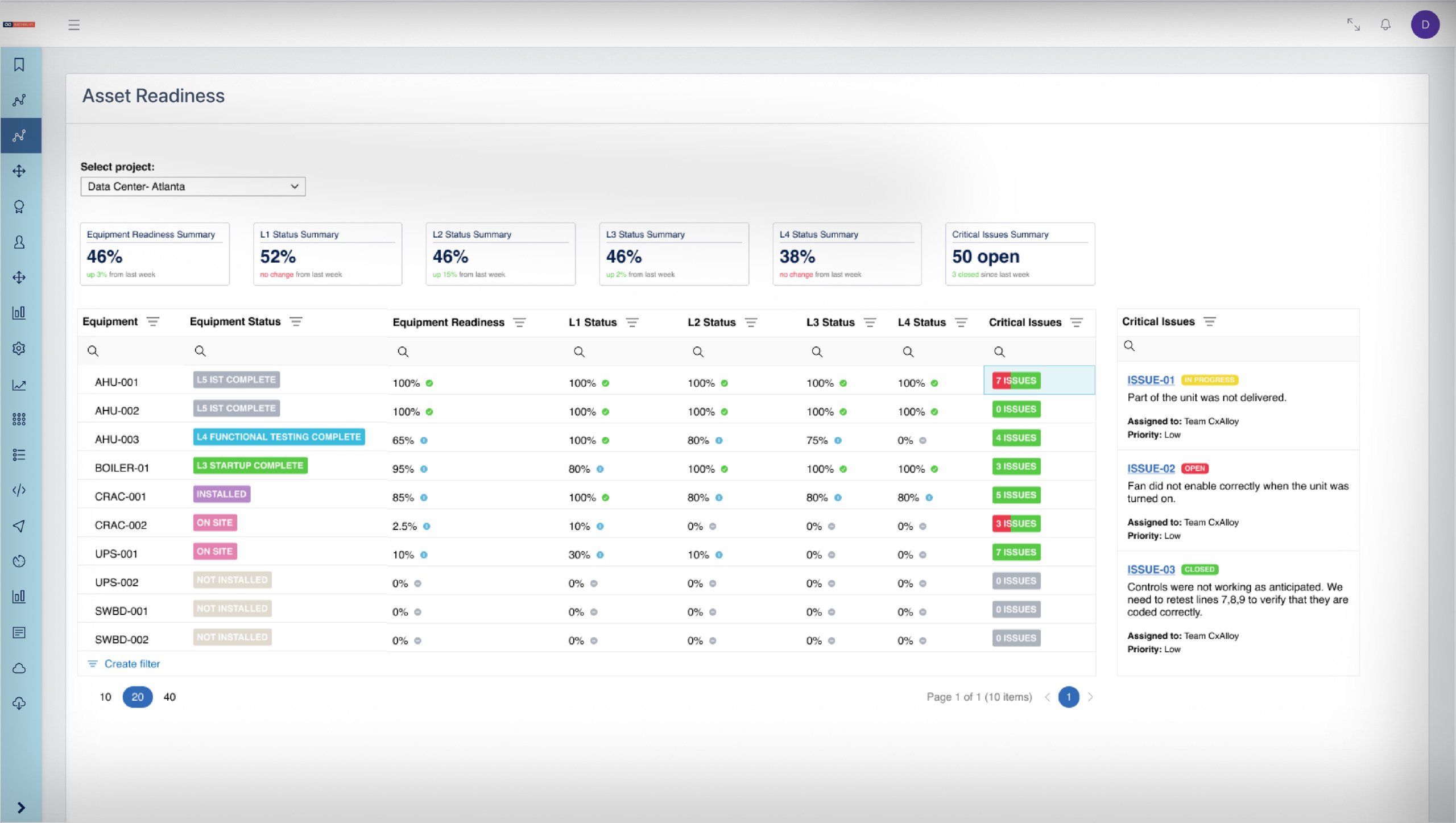
See the big picture, your entire portfolio
in real time.
What You See
- Live portfolio dashboards
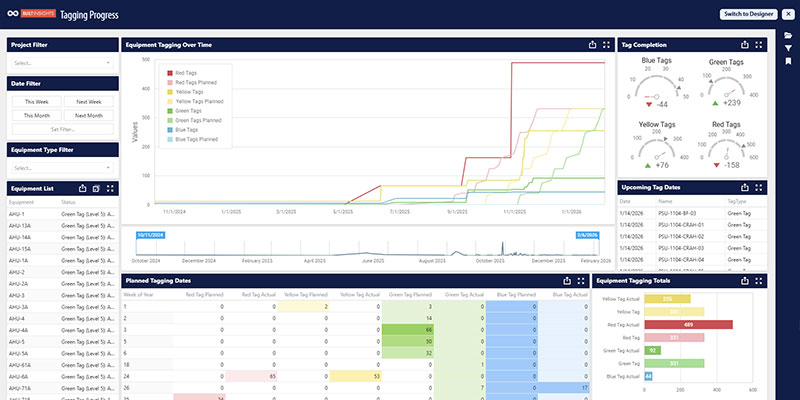
- Schedule tracking & asset tagging dashboards
- Asset readiness summarized by system, space, type, location, discipline
- Issue aging
- Checklist/test completion dashboard
- Vendor and manufacturer performance
- Charts, tables, branded PDF reports, bidirectionally linked back to source data
- AI capabilities already in production today. More on the way
You're the Conductor. We Supply the Instruments.
Orchestration
Customized command and control to manage
your portfolio from project creation to turnover.
What You Can Drive
- Route information across stakeholders and trades
- Configure milestones, define handouts
- Automate the parts of the workflow that should run on their own
- AI agents take action where you point them
- Custom apps for bespoke workflows
- Automated handoffs into systems like Autodesk
Pre-built. Customized. Maintained.
Integration
Connect your platforms, your data,
and your people.
How it Connects
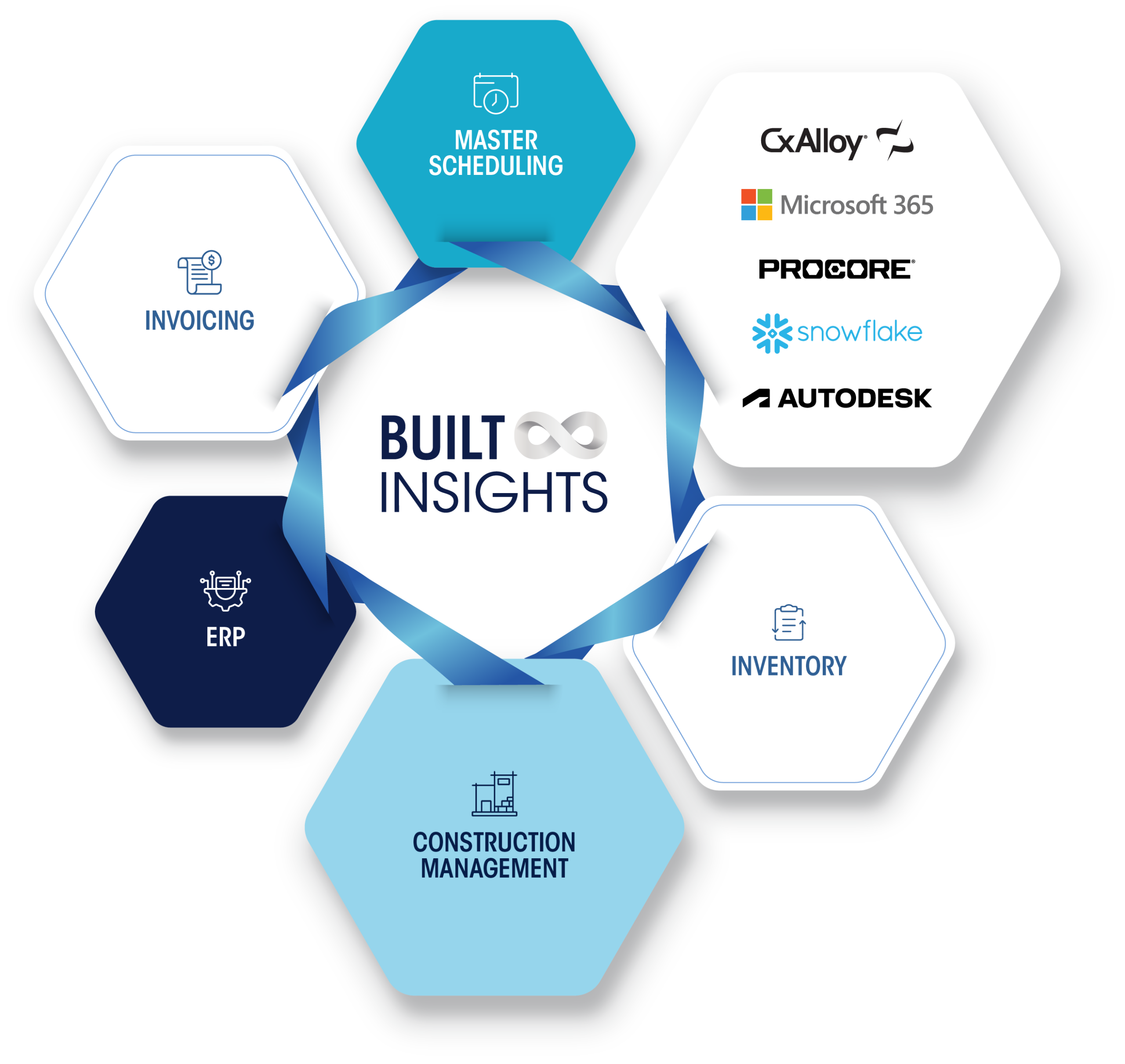
- Pre-built integrations and active partnerships
- Customized to your workflows
- Expert implementation
- Maintained for you as APIs change
Live
Dashboards
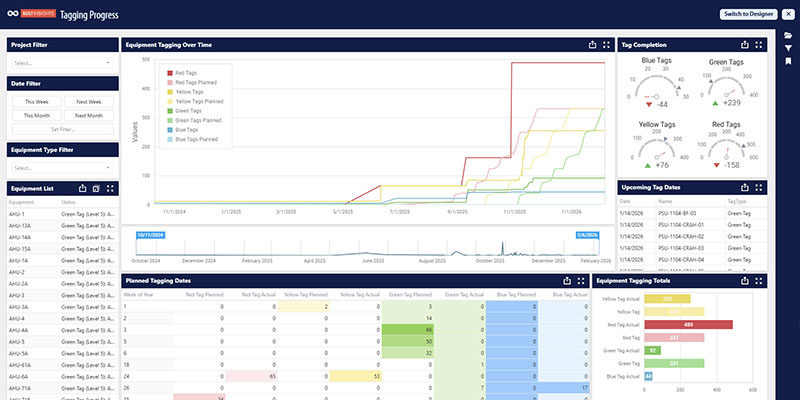
Real-time dashboards pulling live CxAlloy data across your portfolio. Filter by project, system, phase, or discipline. One view. Always current. No manual reconciliation.
Asset
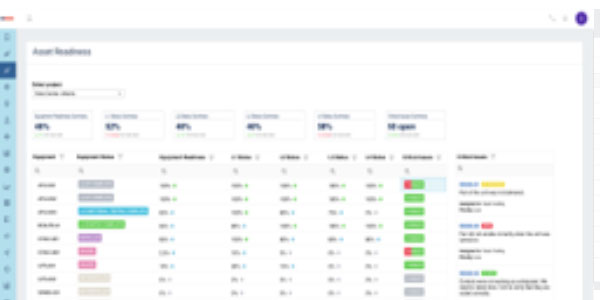
Readiness
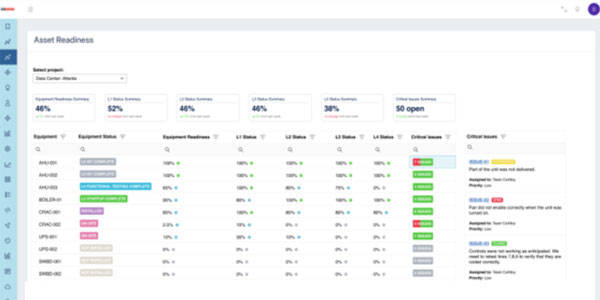
A live roll-up of checklist and test completion, tracked by system, space, asset type, location, or discipline. Drill from your portfolio view to a specific checklist in three clicks, with direct links back to the CxAlloy record.
Smart
Markups
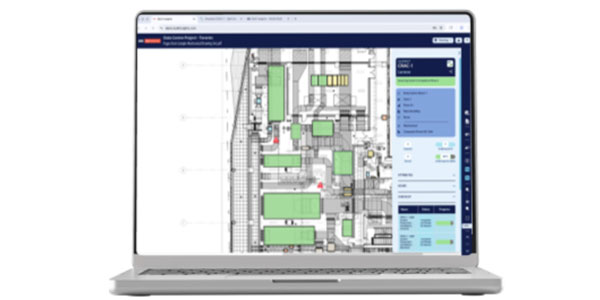
See commissioning progress where it lives: on the drawing. Equipment status, checklist completion, and issue locations are overlaid directly on your floor plans and single-line diagrams, giving your team a visual view of project readiness at a glance.
Issue
Analytics
Track open issues by priority, discipline, assignment, and age across every project in your portfolio. See where things are getting stuck, who owns the backlog, and how resolution rates compare across teams and contractors.
Field
Observations
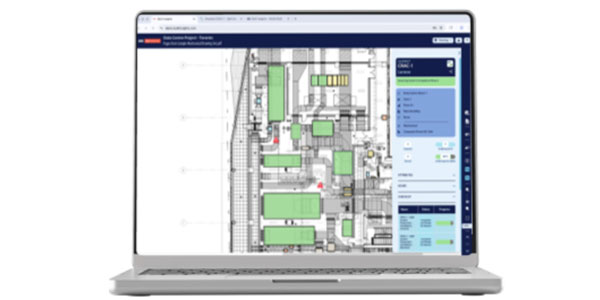
Log issues directly on the drawing while you're on site. Drop a pin, capture the detail, push it to CxAlloy, and keep your project record current without going back to the office to do it.
Automated
Workflows
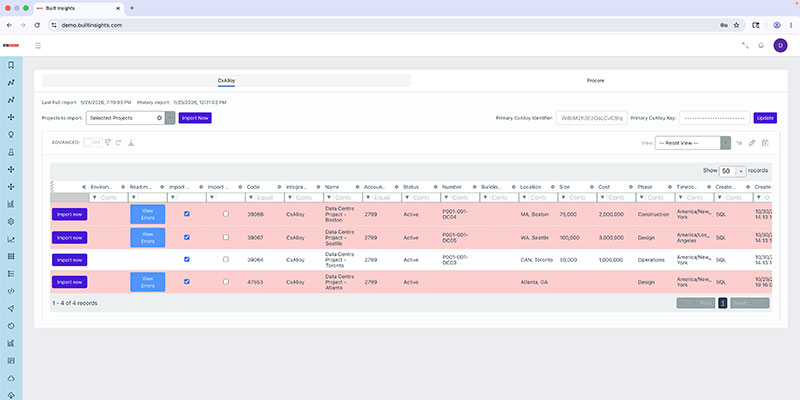
Set the rules once. Built Insights handles the handoffs. Route information to the right people, trigger actions at milestones, and automate the parts of your workflow that should run on their own. Your team stays focused on the work that actually needs them.
Customized
Turnover Packages
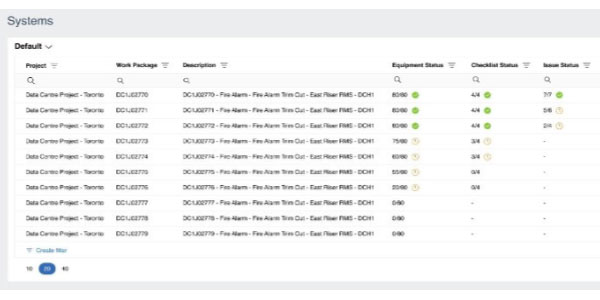
Asset mapping, document syncing, and handover workflows scoped to your GC and owner requirements, then delivered and maintained by the Infinite Built Managed Services team. Closeout, without the reconciliation tax.
Design
Reviews
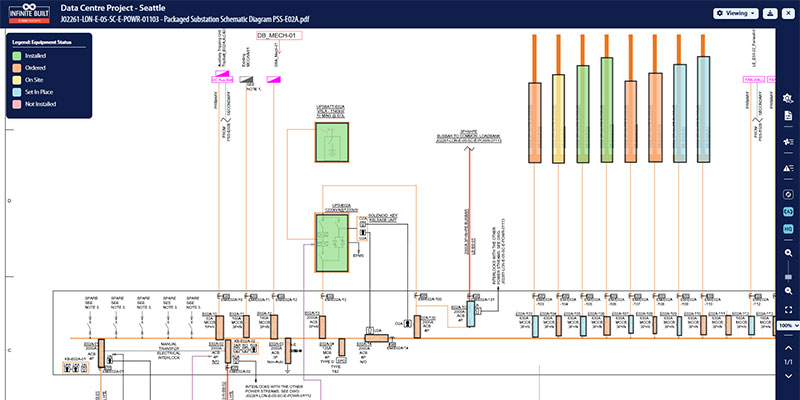
Mark up design drawings with live commissioning data attached. Annotations stay connected to the drawing through construction and closeout, so your team isn't rebuilding the issue list from scratch when the next phase starts.
On-Site
Guide
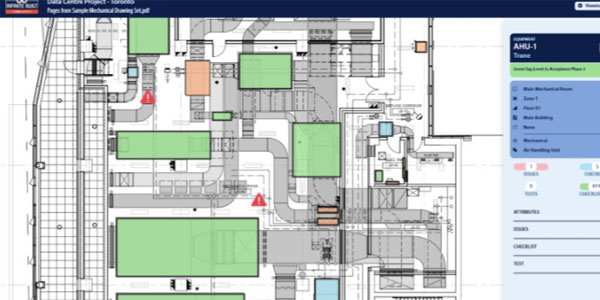
Use the floor plan as a navigation tool, not just a reference. Pull up the drawing on site, see where the day's work sits, and access equipment records, checklists, and issue history directly from the map.
Data
Management
Keep your project data clean and connected across sources. Built Insights maps and normalizes data from CxAlloy and other platforms so your dashboards and analytics reflect what's actually happening on the project, not what was last exported.
Autodesk
Forma
DOCUMENT MANAGEMENT

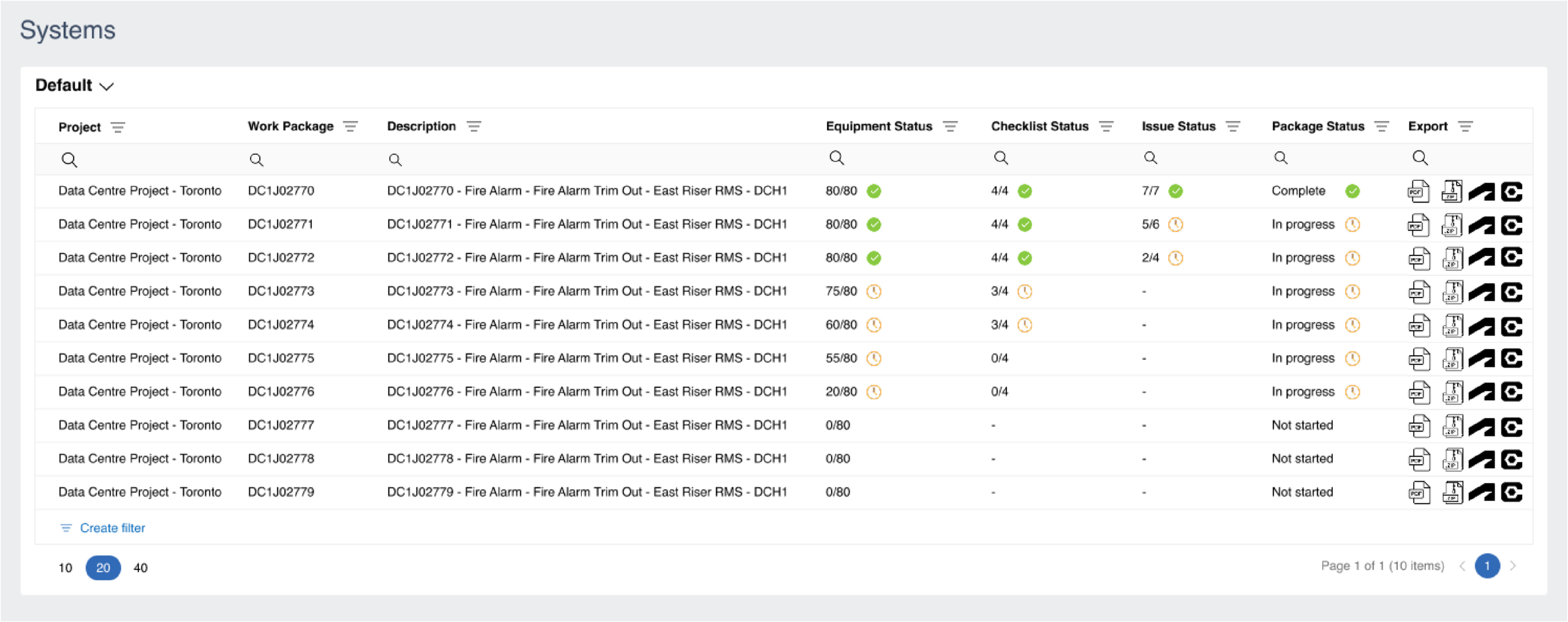
Automate end-of-project turnover. Commissioning records, reports, checklists, and test results sync into the correct Autodesk folder structure at project closeout.
Google
Workspace
PRODUCTIVITY
SUITE

Manage checklist template workflows via Google Sheets, with changes automatically reflected in CxAlloy's template projects while keeping in-flight projects stable.
Primavera
P6
SCHEDULE MANAGEMENT

Schedule tracking dashboards comparing actual commissioning dates against planned P6 milestones. Live API integration is on the active roadmap.
Procore
PROJECT MANAGEMENT

Bidirectional data flow between Procore and CxAlloy. Project data stays consistent across both platforms without manual entry or reconciliation.
Snowflake
BUSINESS INTELLIGENCE

Pipe commissioning data directly into your existing BI environment. Reporting alongside financial, operational, and enterprise data in one place.
Your stack
CUSTOM & IN-HOUSE SYSTEMS

Open API with secure token-based authentication means Built Insights connects with in-house applications, proprietary tools, and enterprise systems unique to your organization.

One view of everything.
Always current.
See how Built Insights transforms your commissioning portfolio from a collection of projects into a single, live intelligence layer