
Built Insights Workflow for Importing CxAlloy Project Data
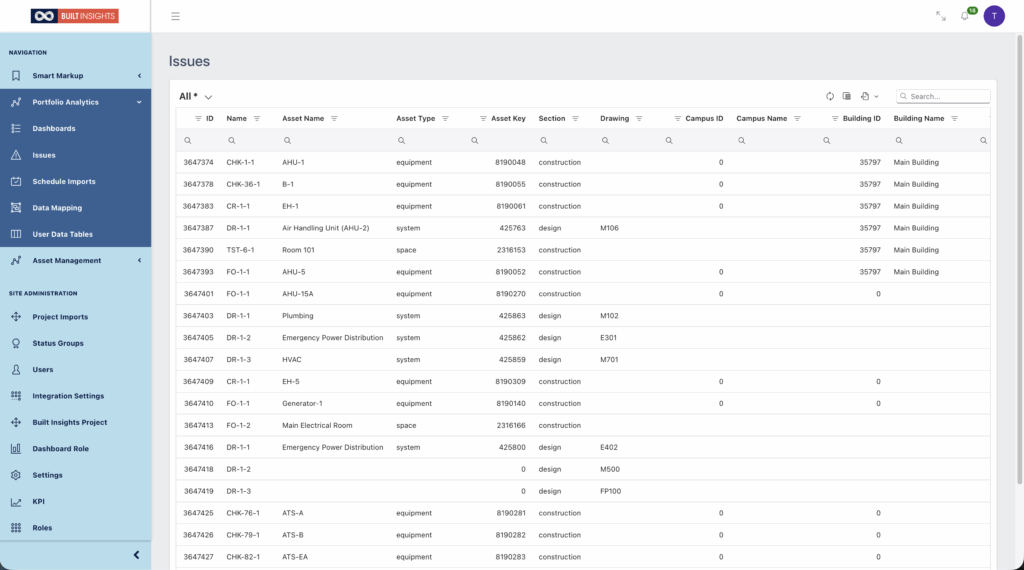
How Built Insights Enhances Quality & Commissioning with Portfolio Analytics
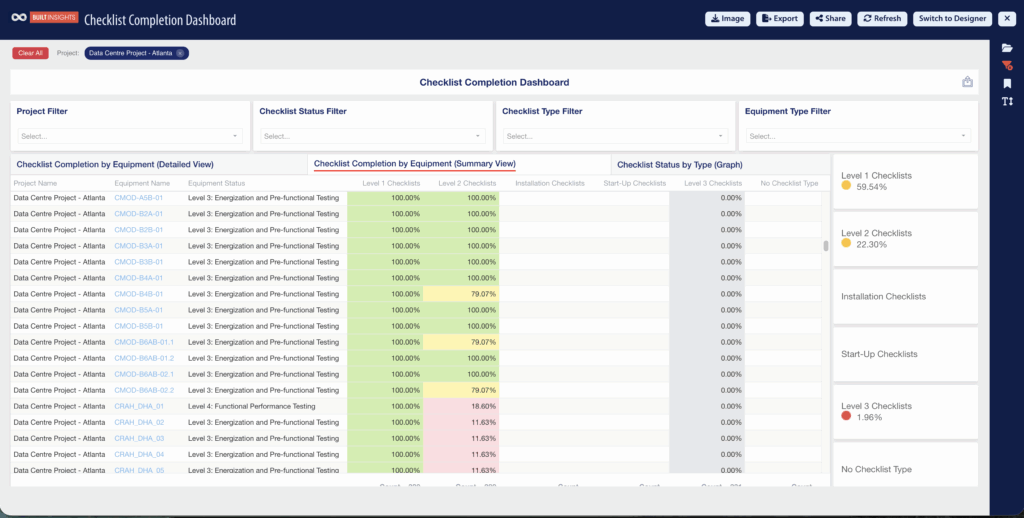
In the built environment, seeing the whole picture matters. Spreadsheets, static checklists, and single-project views can only go so far. Built Insights was designed to expand your visibility and decision-making power by turning data into something you can see, explore, and act on. For quality & commissioning teams, Built Insights enhances your existing CxAlloy data […]
How to Access Built Insights Portfolio Analytics Dashboards
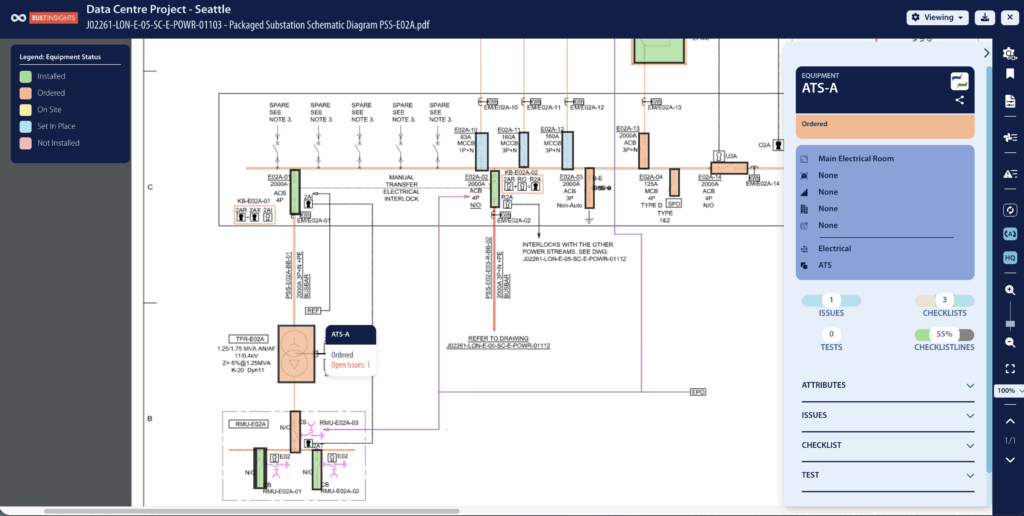
By Thane Vajda, Infinite Built Customer Success Manager This guide provides a comprehensive walkthrough for accessing and utilizing Built Insights Portfolio Analytics Dashboards, making it essential for users looking to enhance their data analysis skills. It covers everything from navigating the interface to applying filters and maximizing dashboard views, ensuring users can effectively tailor their […]
Log In To Built Insights

By Thane Vajda, Infinite Built Customer Success Manager This guide provides a straightforward process for logging into Built Insights, ensuring users can quickly access the software. It simplifies the login steps, including optional features like staying signed in, making it user-friendly for both new and returning users. By following this guide, individuals can efficiently navigate […]
Uploading PDFs and Utilizing Smart Mark-Ups in Built Insights
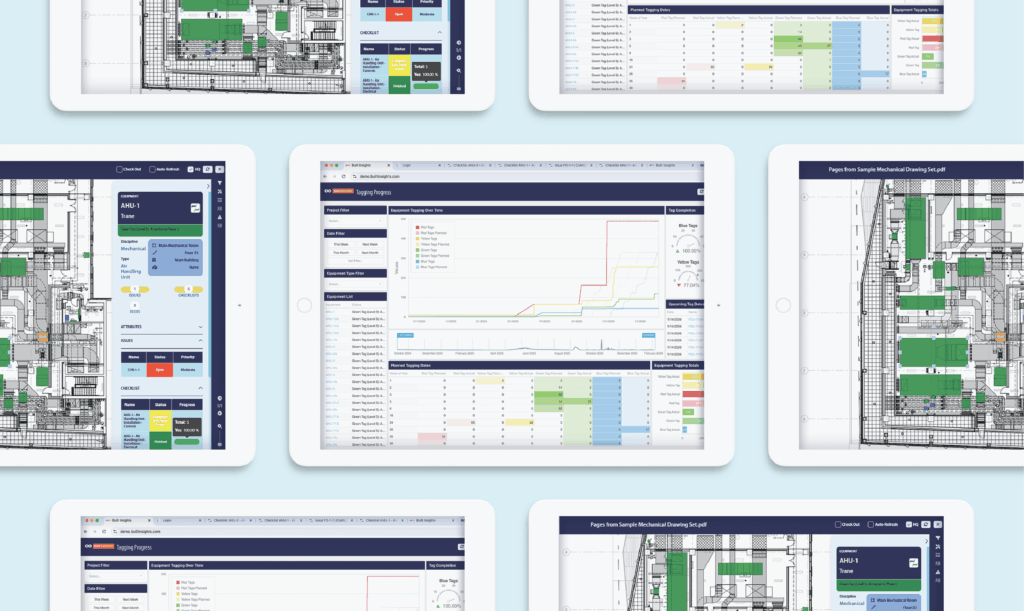
By Thane Vajda, Infinite Built Customer Success Manager This guide offers a comprehensive overview of how to effectively upload and utilize PDFs with Smart Mark-Ups in Built Insights. It empowers users to enhance their project documentation by enabling editing, tagging equipment, and identifying issues directly on the PDFs. By following the steps outlined, users can […]