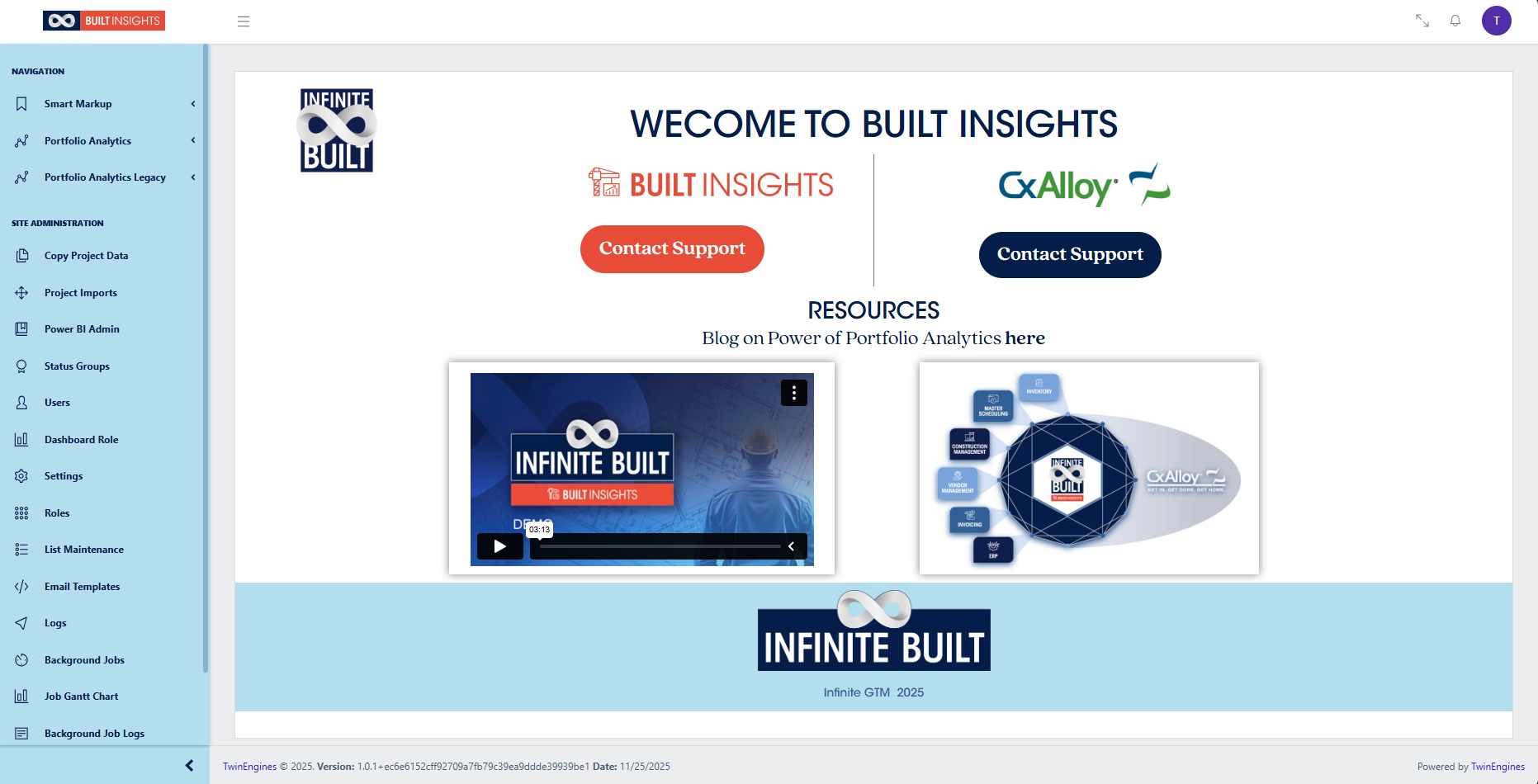
Log In to Built Insights
This guide provides a straightforward process for logging into Built Insights, ensuring users can quickly access the software. It simplifies the login steps, including optional features like staying signed in, making it user-friendly for both new and returning users. By following this guide, individuals can efficiently navigate the platform and utilize its features without confusion.
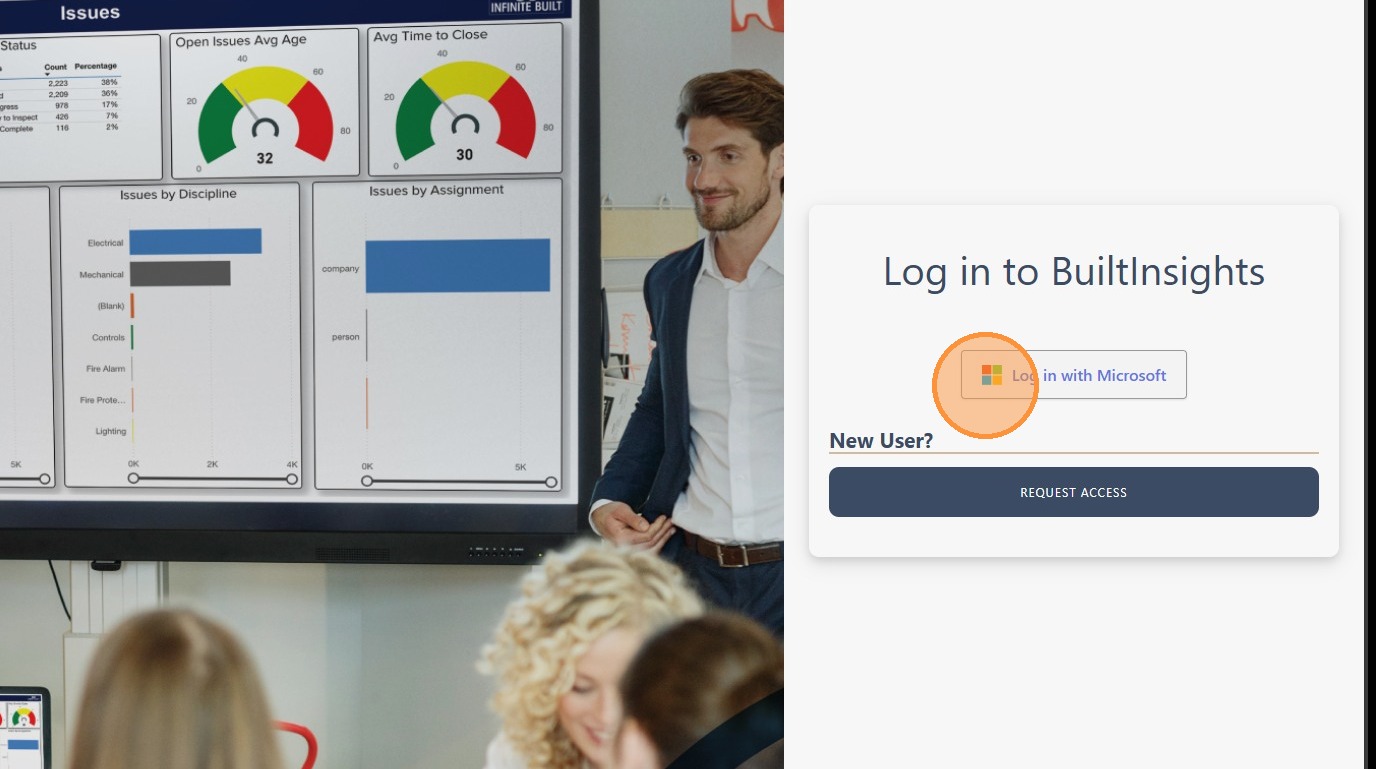
1. Navigate to the Built Insights domain associated with the account and click “Log in with Microsoft”
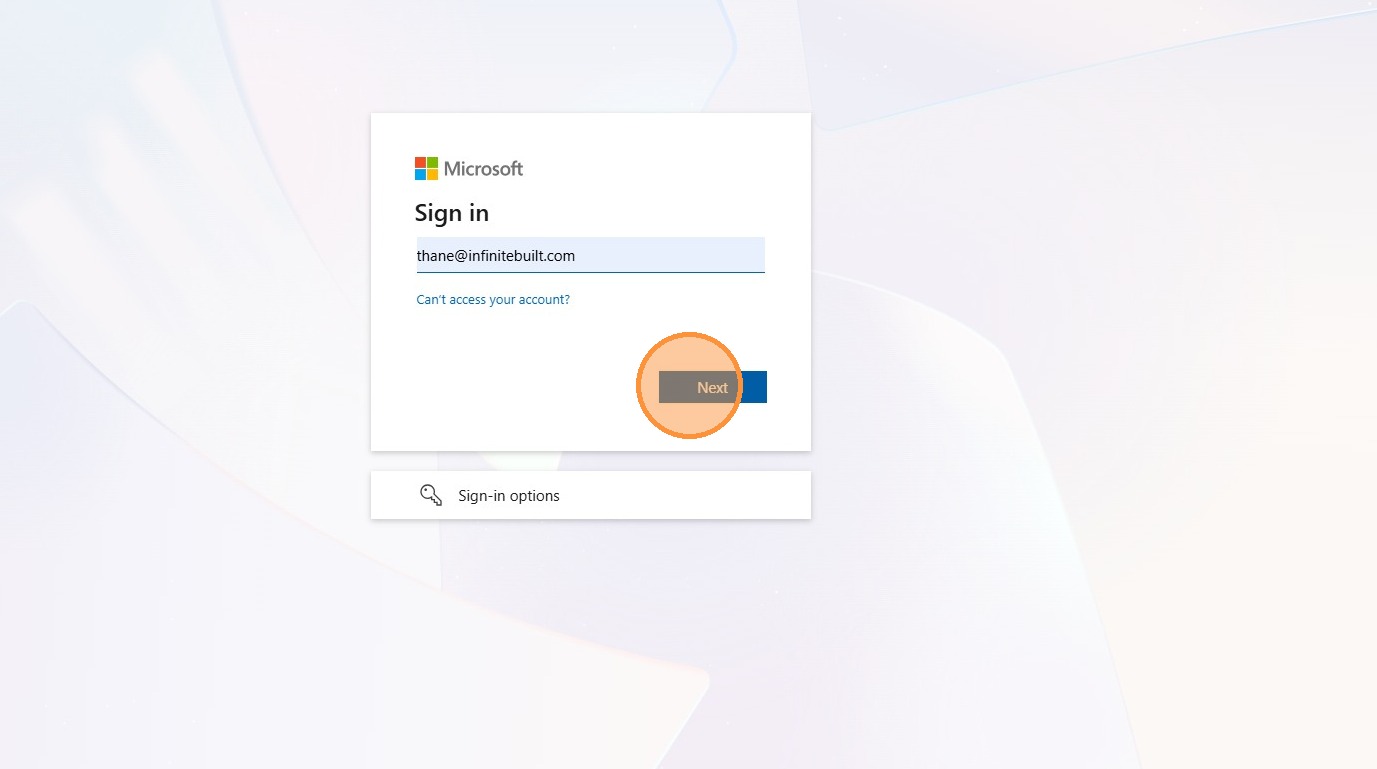
2. Enter email address/username then click “Next”
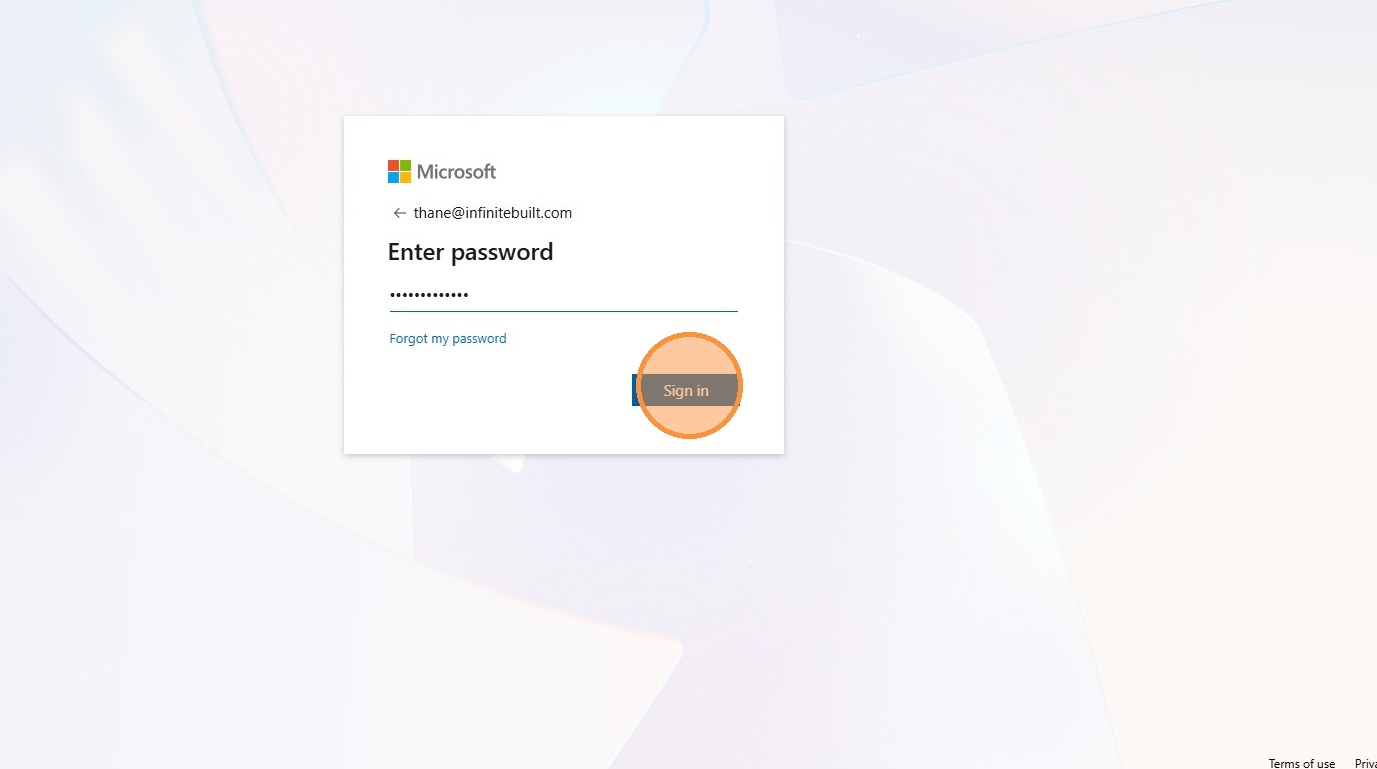
3. Enter password associated with the username or account and click “Sign in”
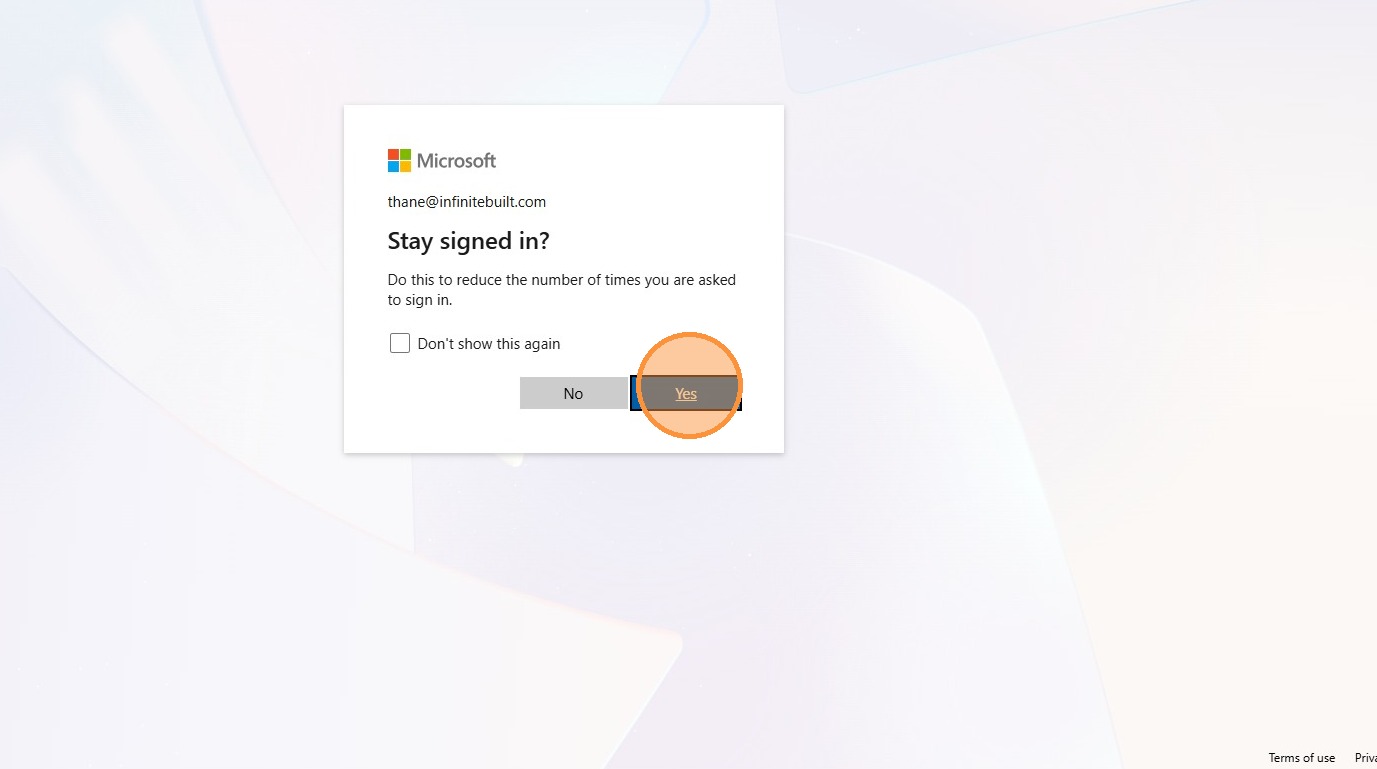
4. Some users will be promted with the option to “Stay Signed In?”. This is an optional step and is not required to gain access to the software.
5. Login has been completed and the user can now naviagte to the different areas of the Built Insights software.